


Main categories
We partner with flex operators and commercial landlords to bring their spaces to life by providing connectivity and workspace management solutions that deliver growth.
Introduction
1. Click on Create menu arrow
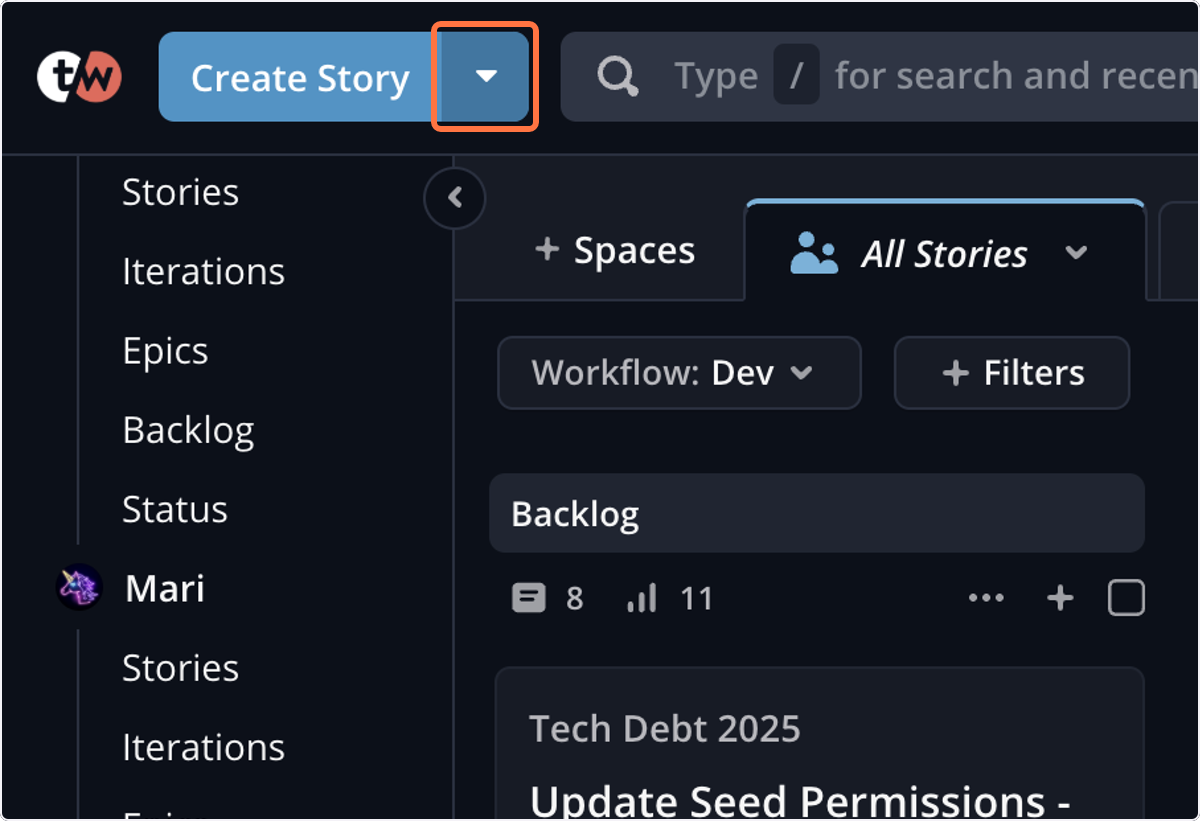
2. Click on Create Story
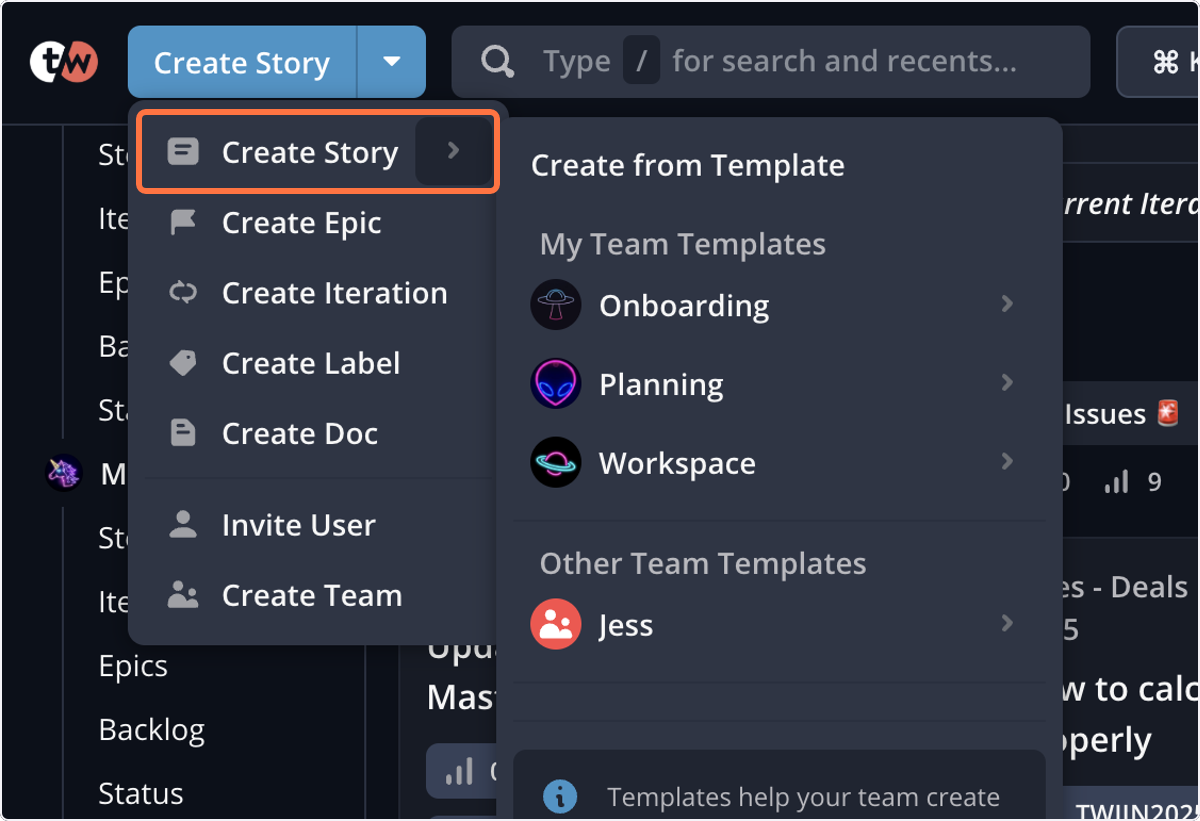
3. Click on Planning
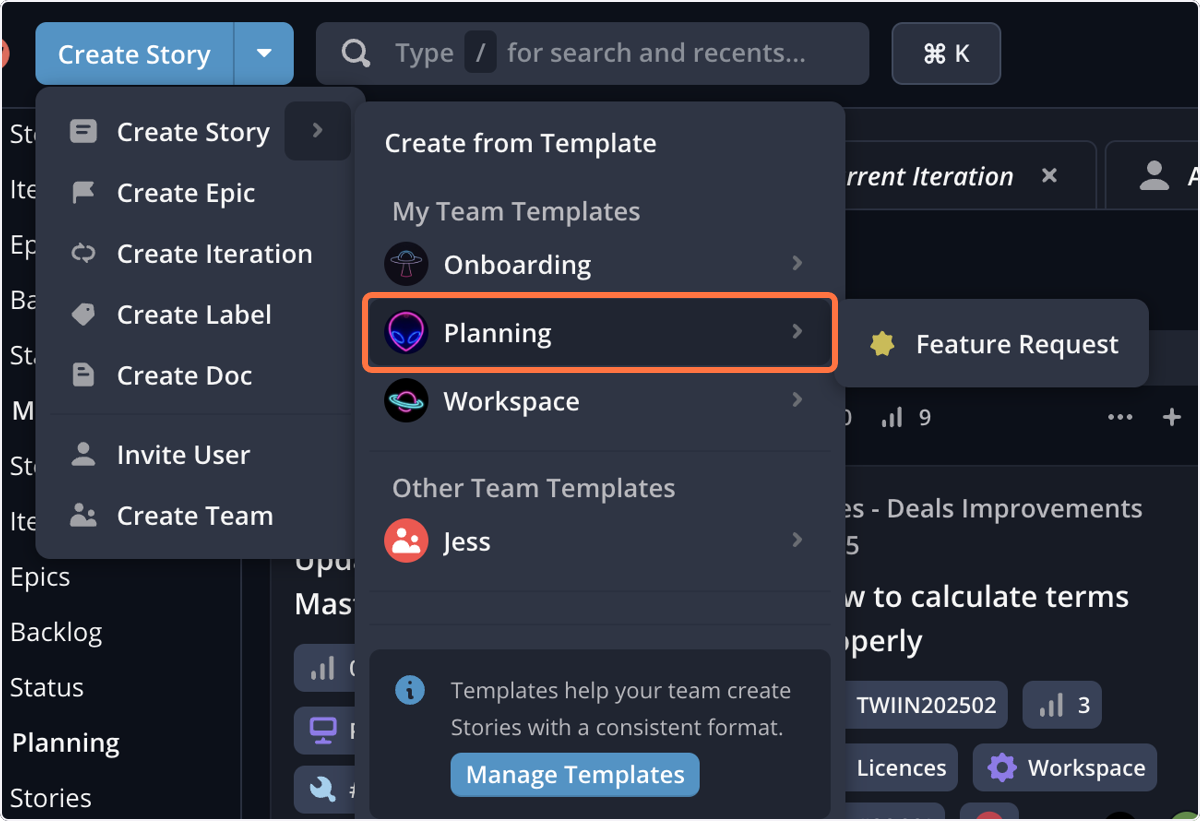
4. Click on Feature Request
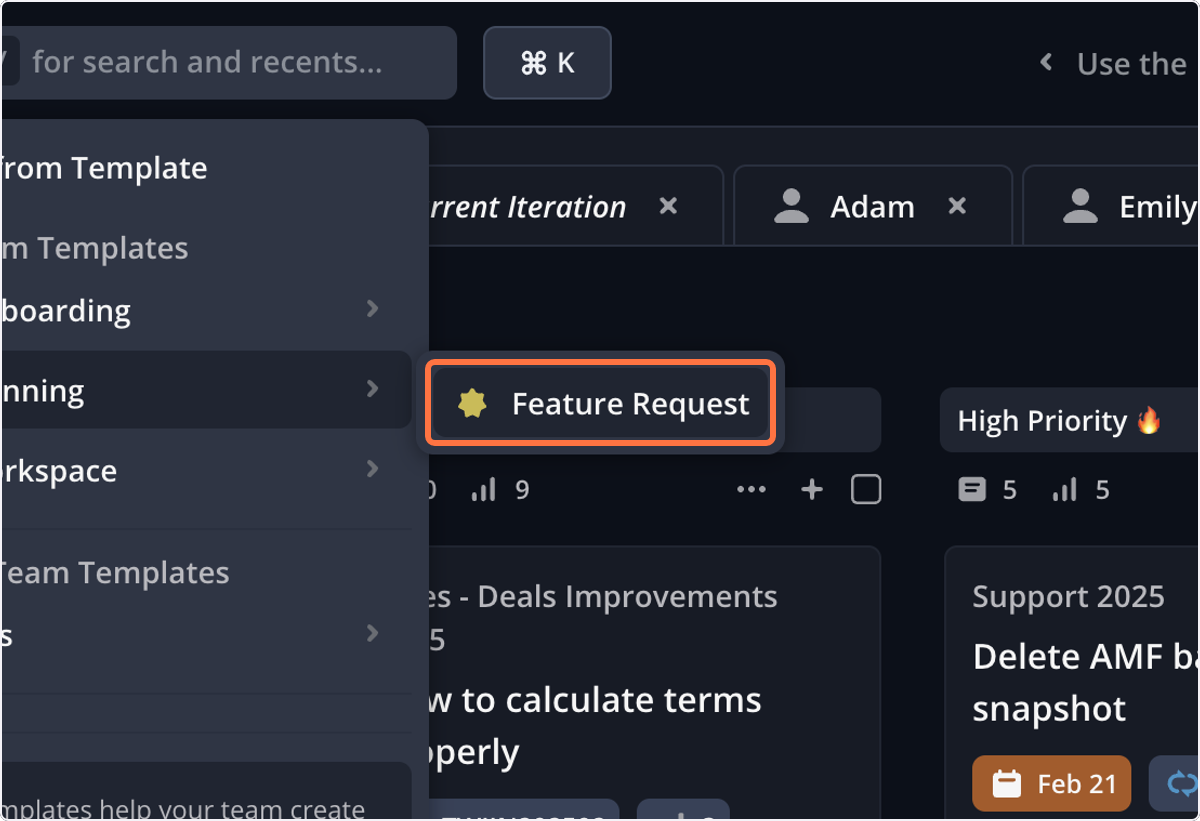
5. Add a title for the feature request
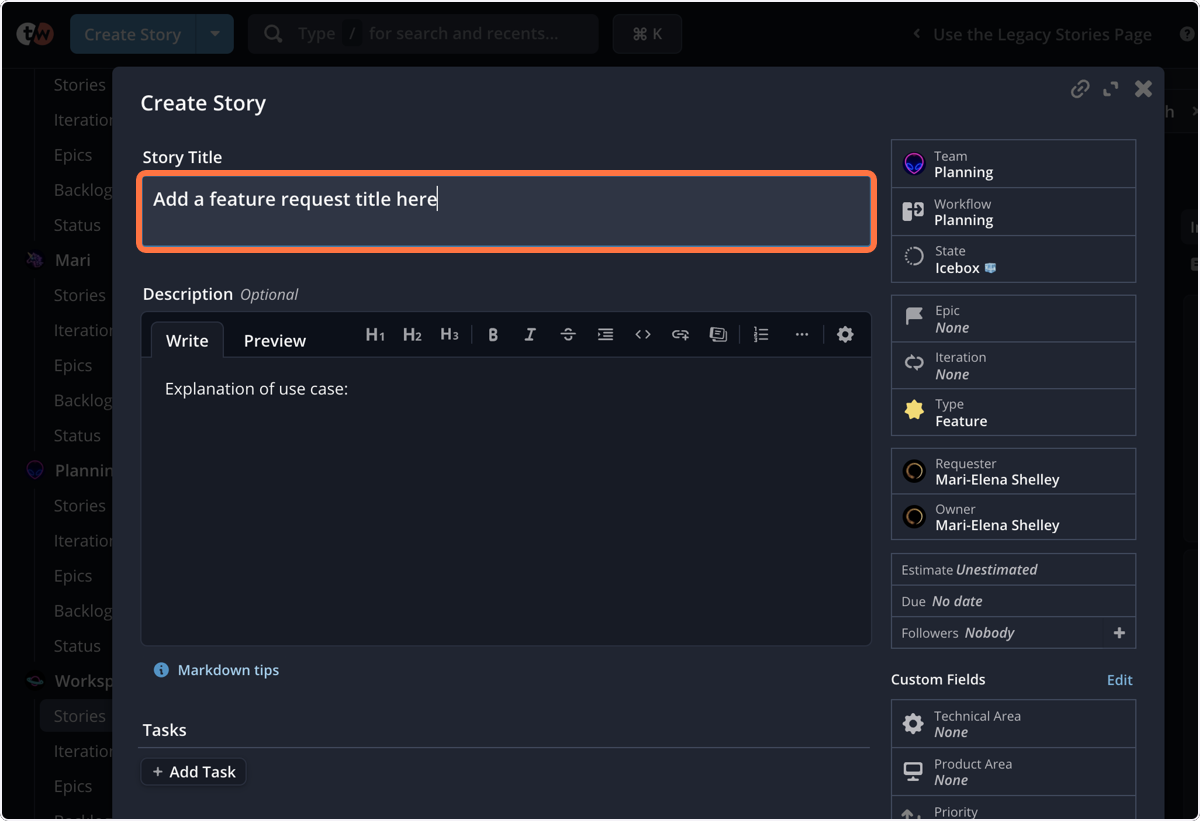
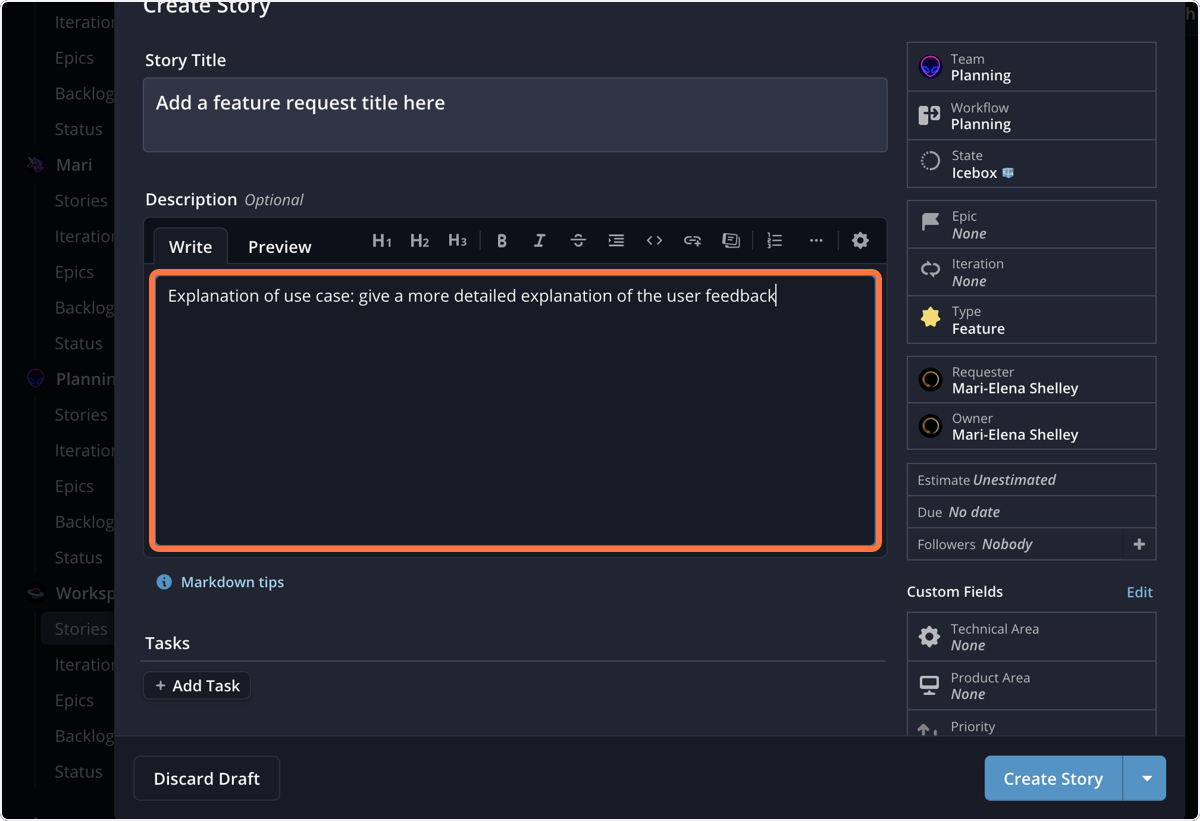
6. Give a detailed explanation as possible of use case or user feedback
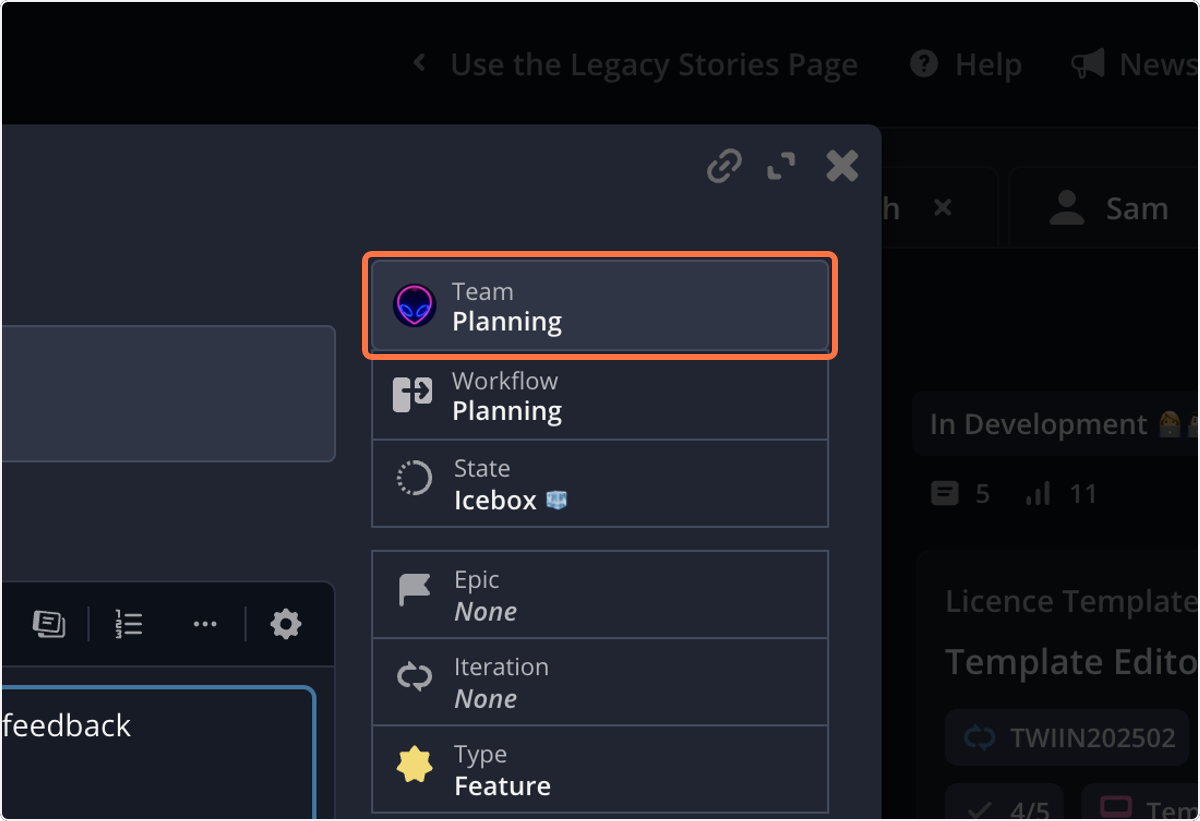
7. The Team will always be Planning
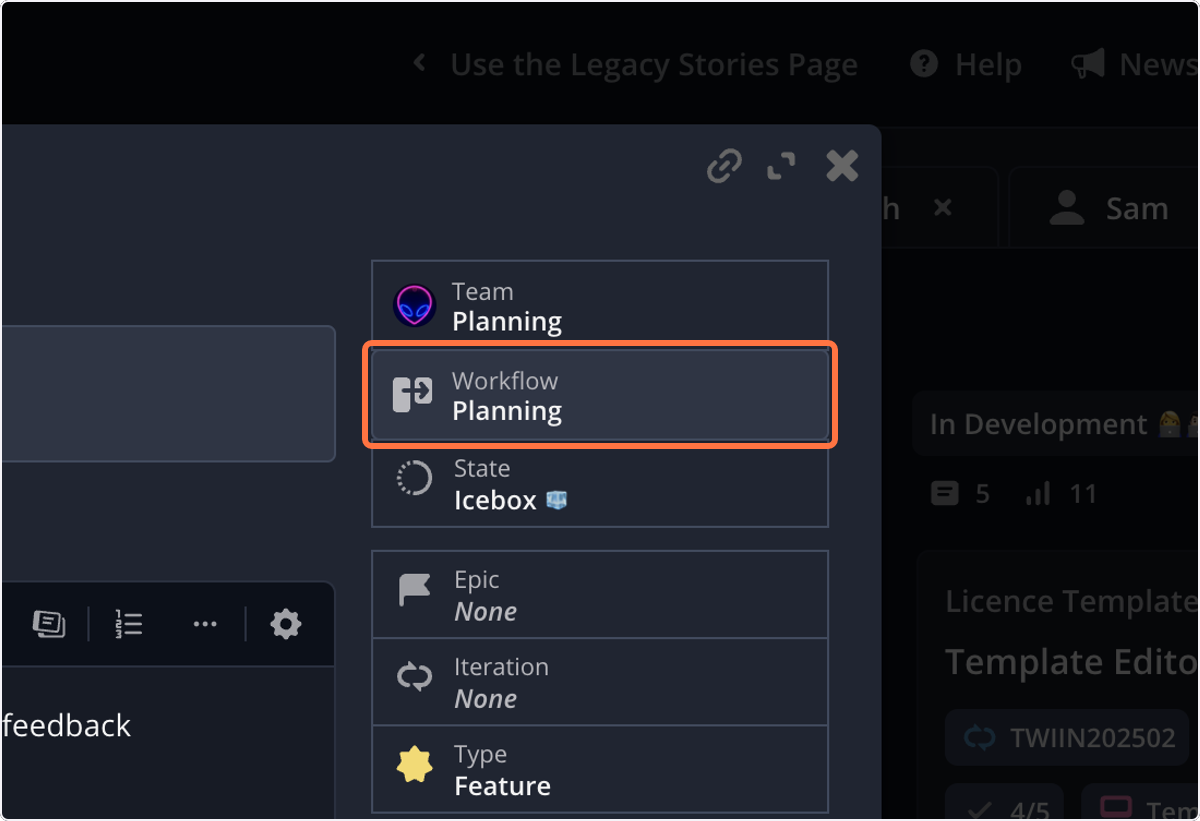
8. The Workflow will always be Planning
9. The State will always be Icebox 🧊 unless otherwise advised
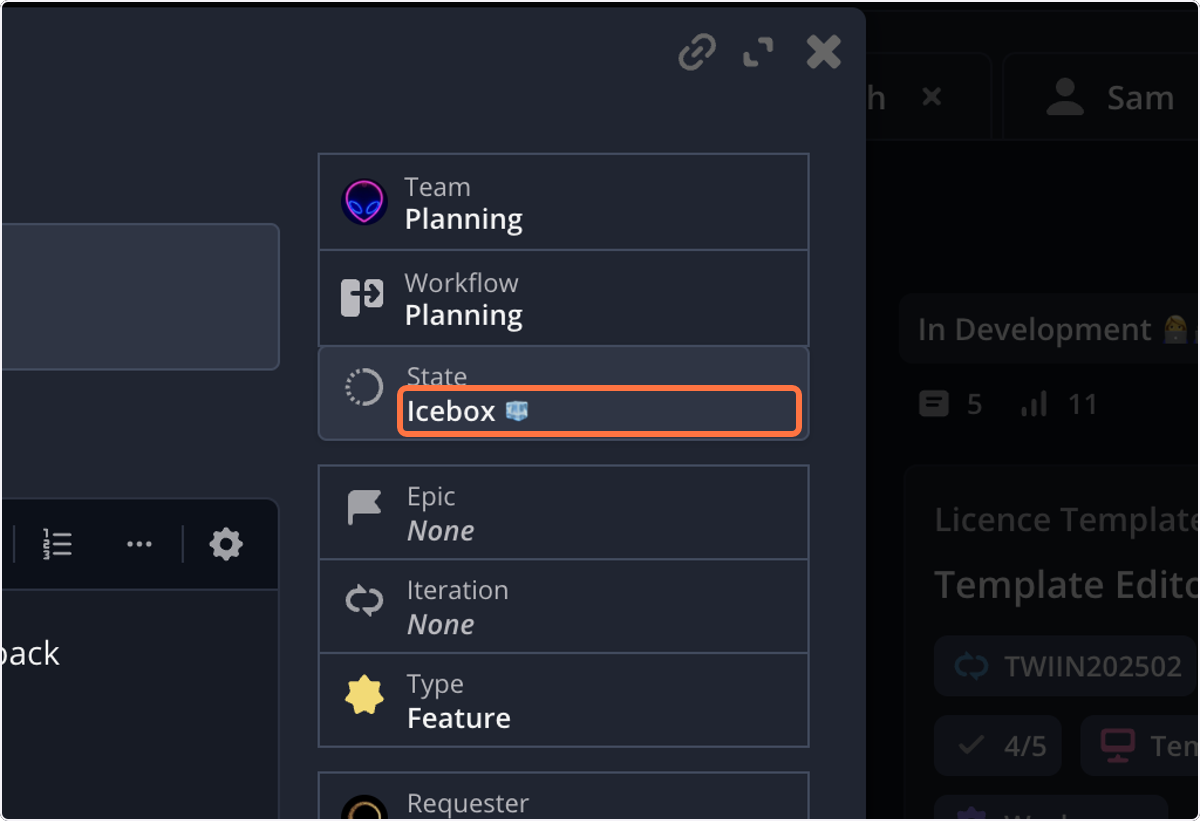
10. The Type will always be Feature
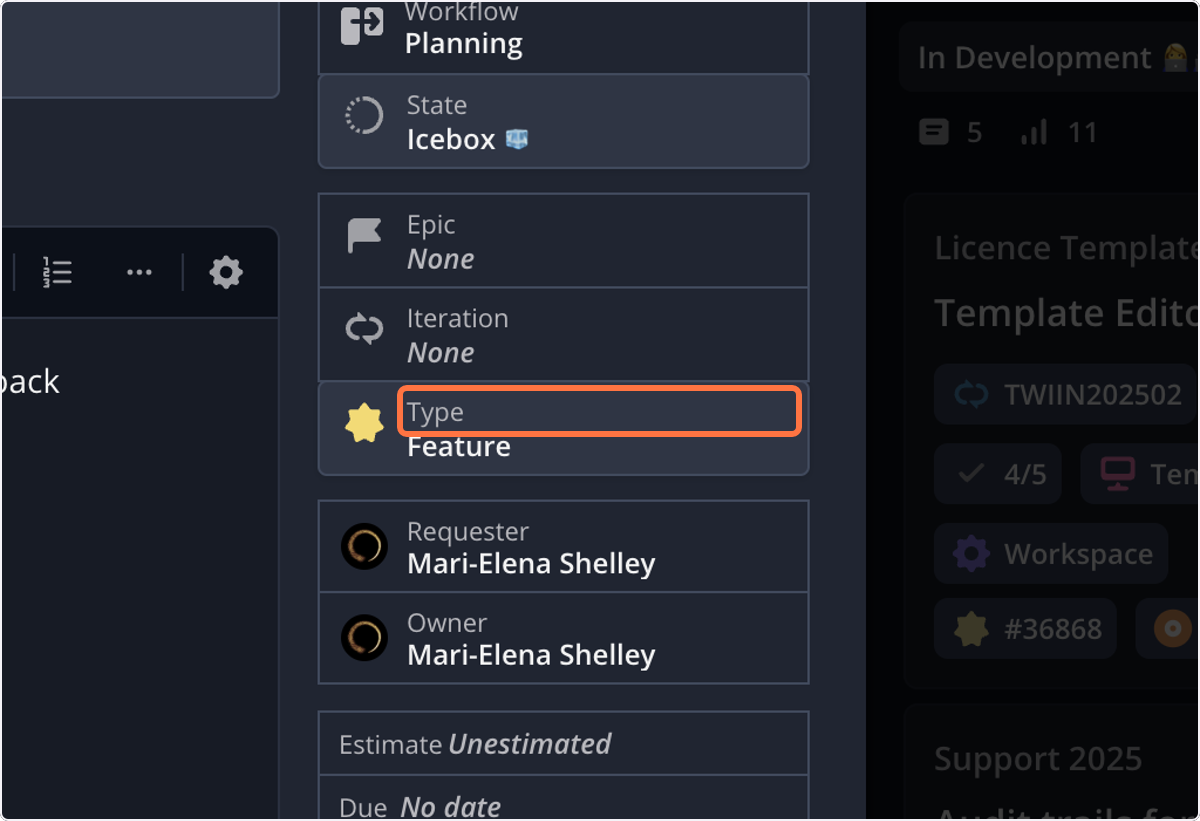
11. Assign the Owner as the product manager
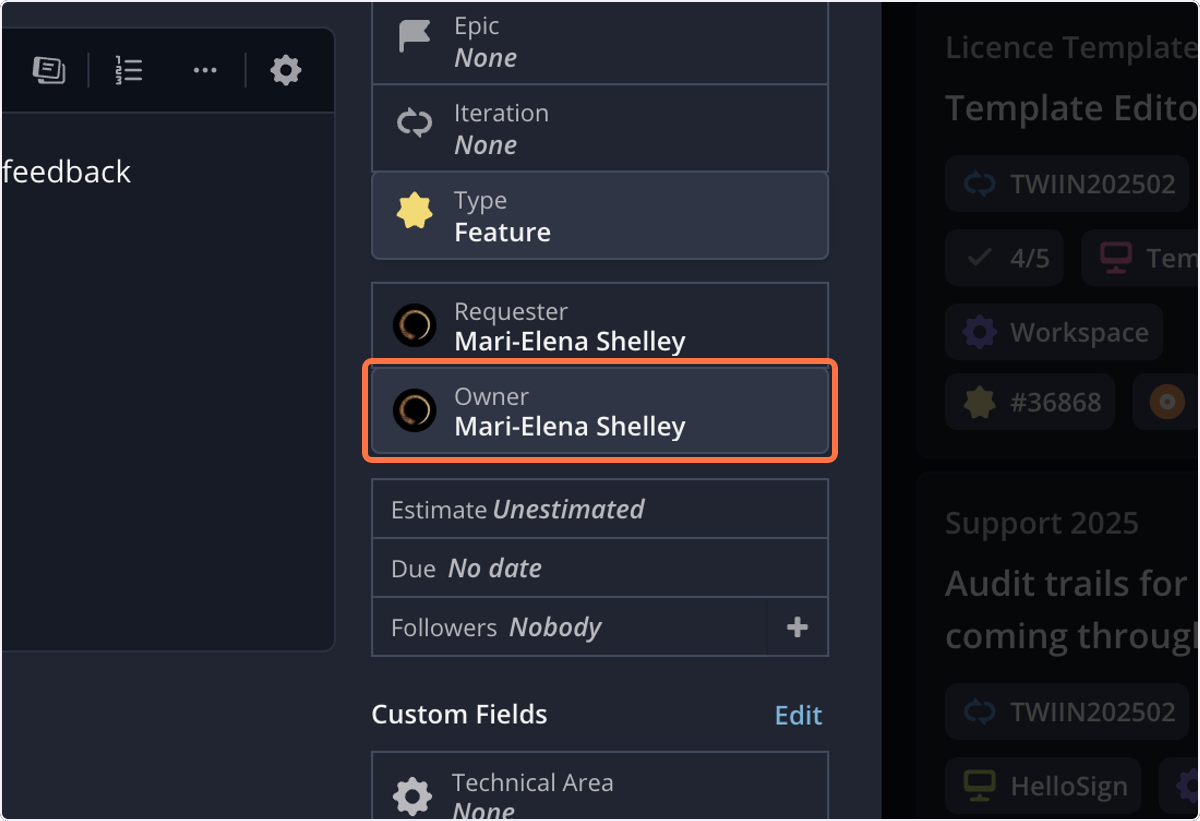
12. Set the Technical Area as appropriate
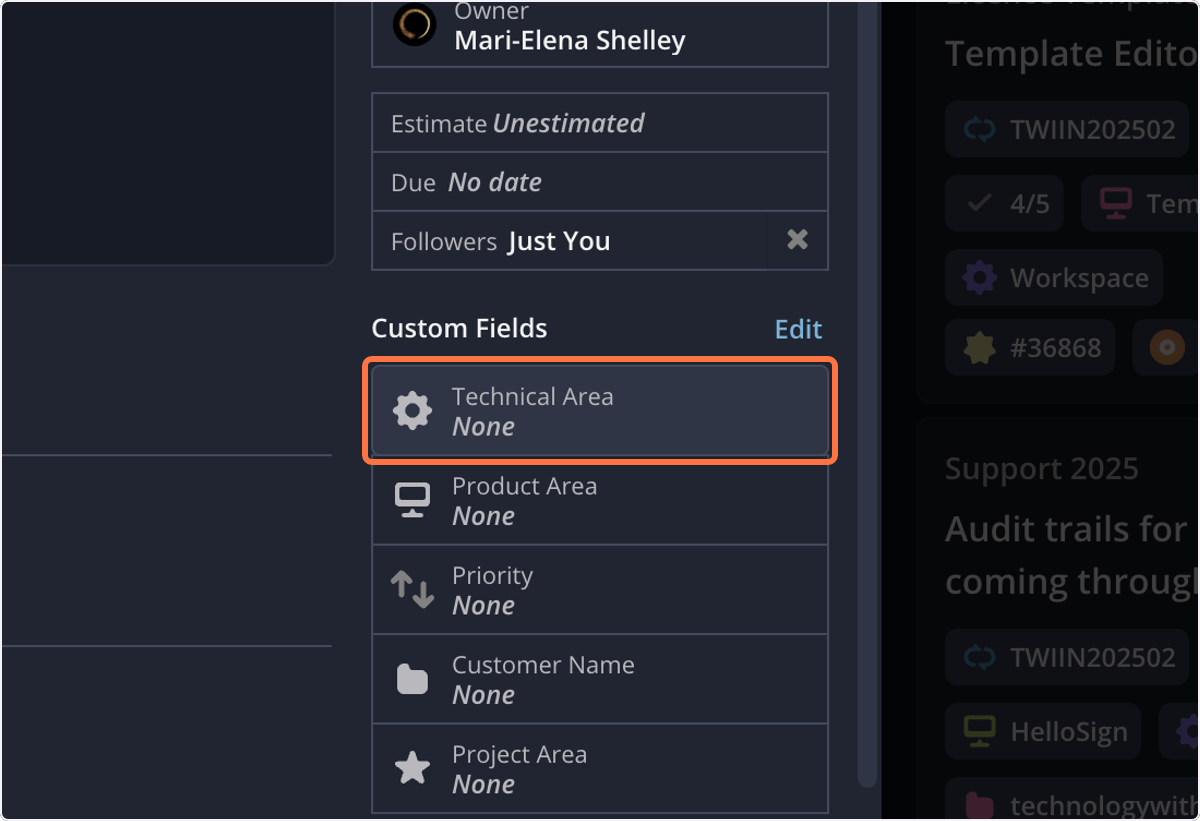
13. Set the Product Area as appropriate
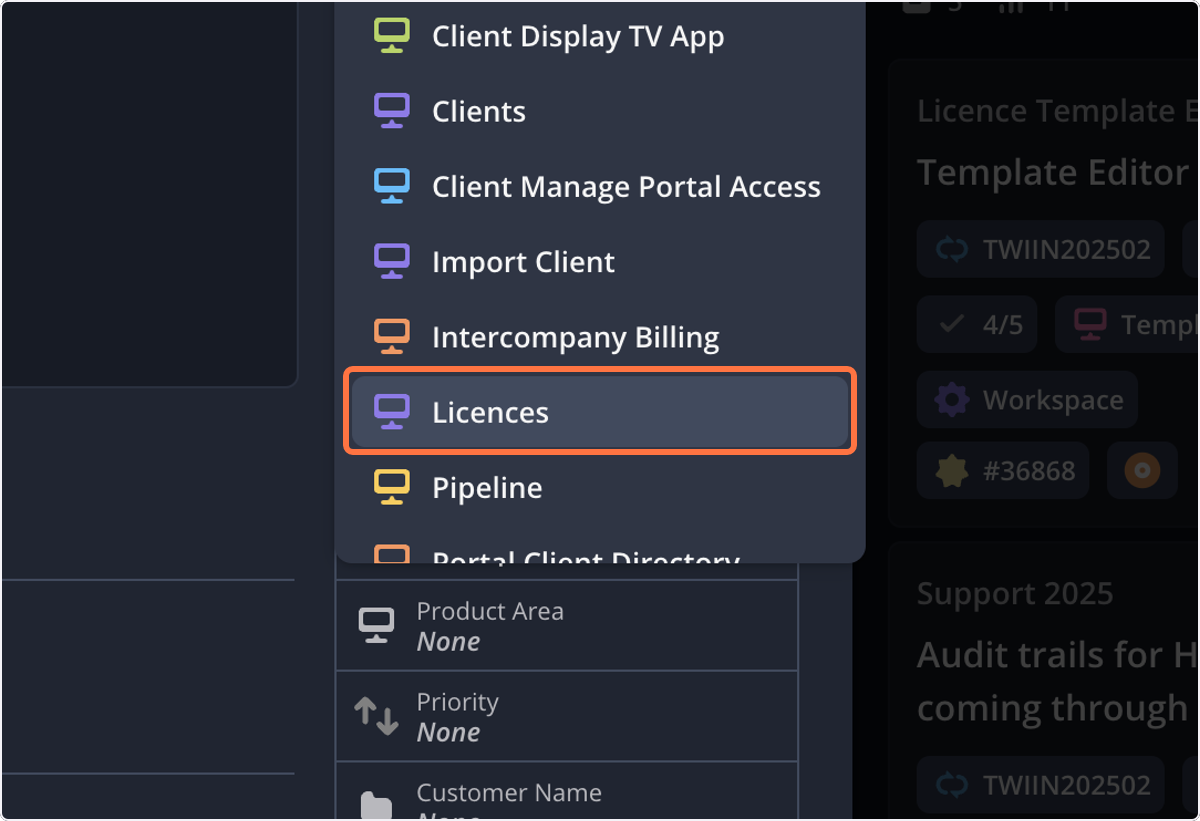
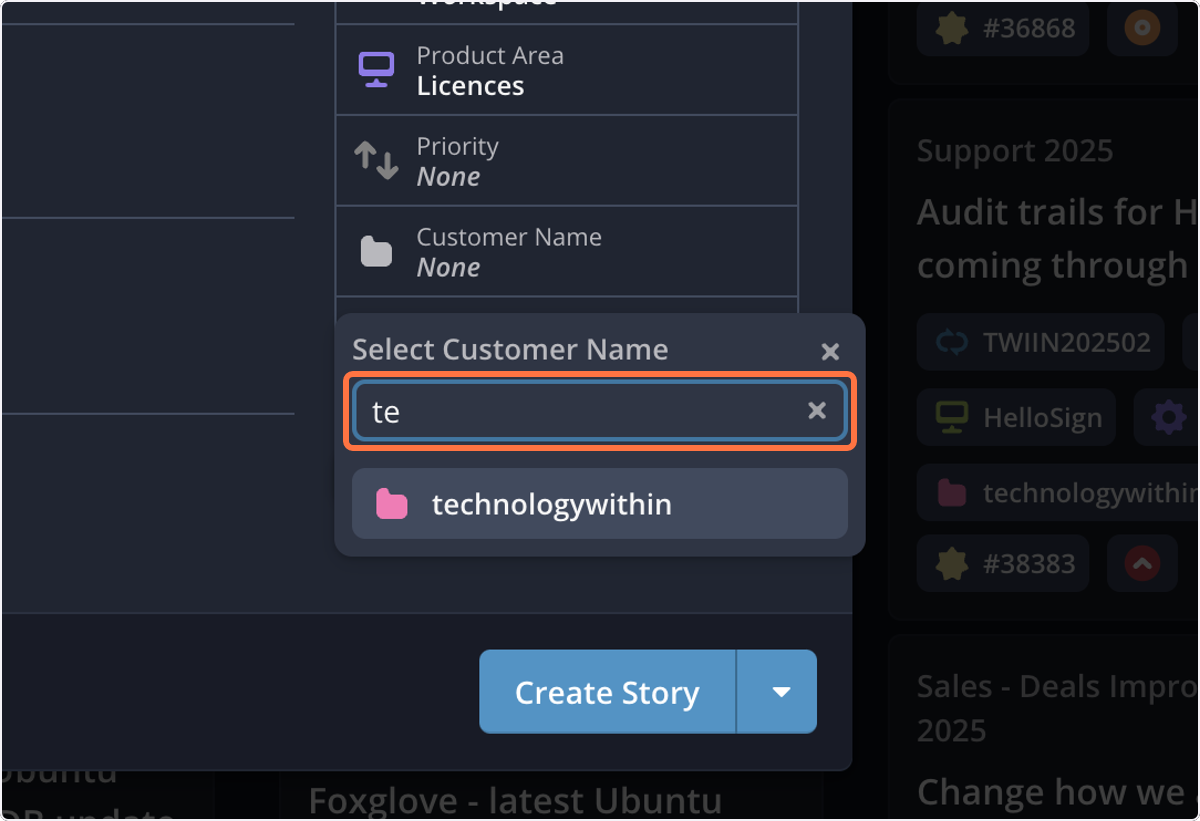
14. Set the Customer Name as appropriate
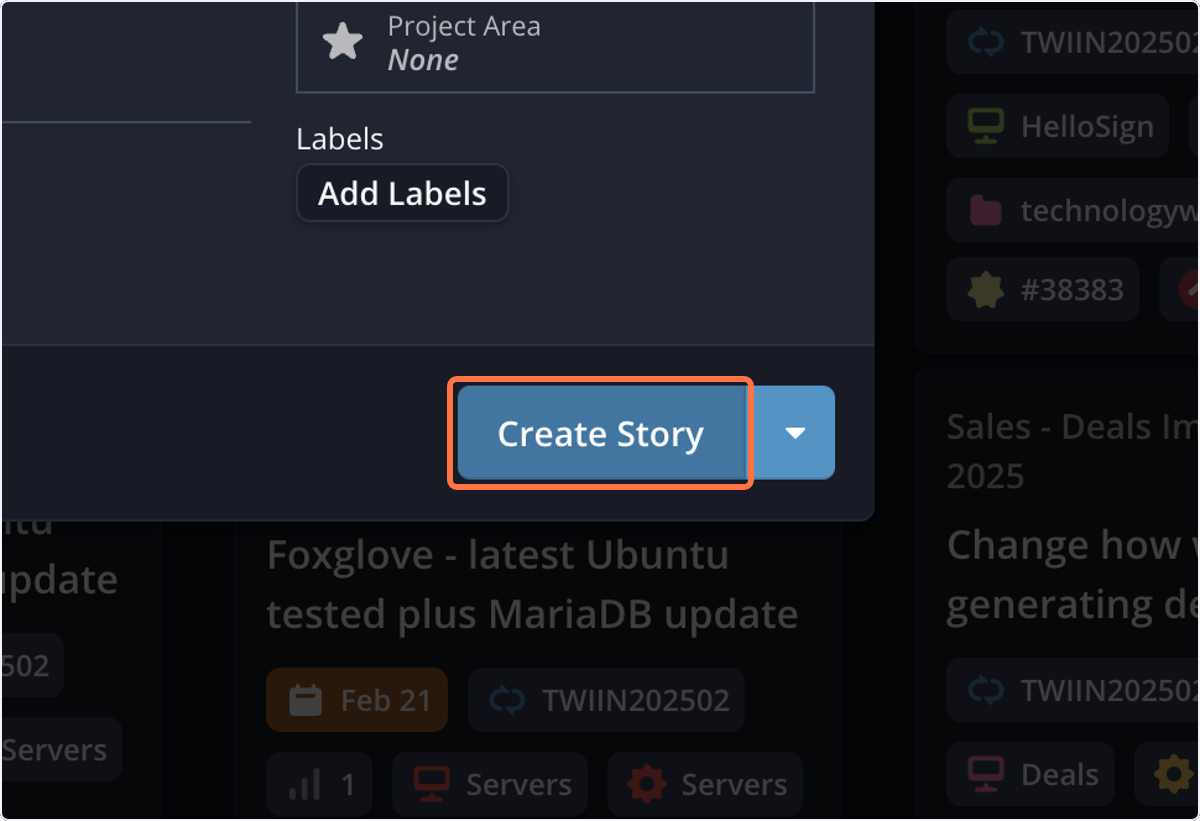
15. Click on Create Story
 Save as PDF